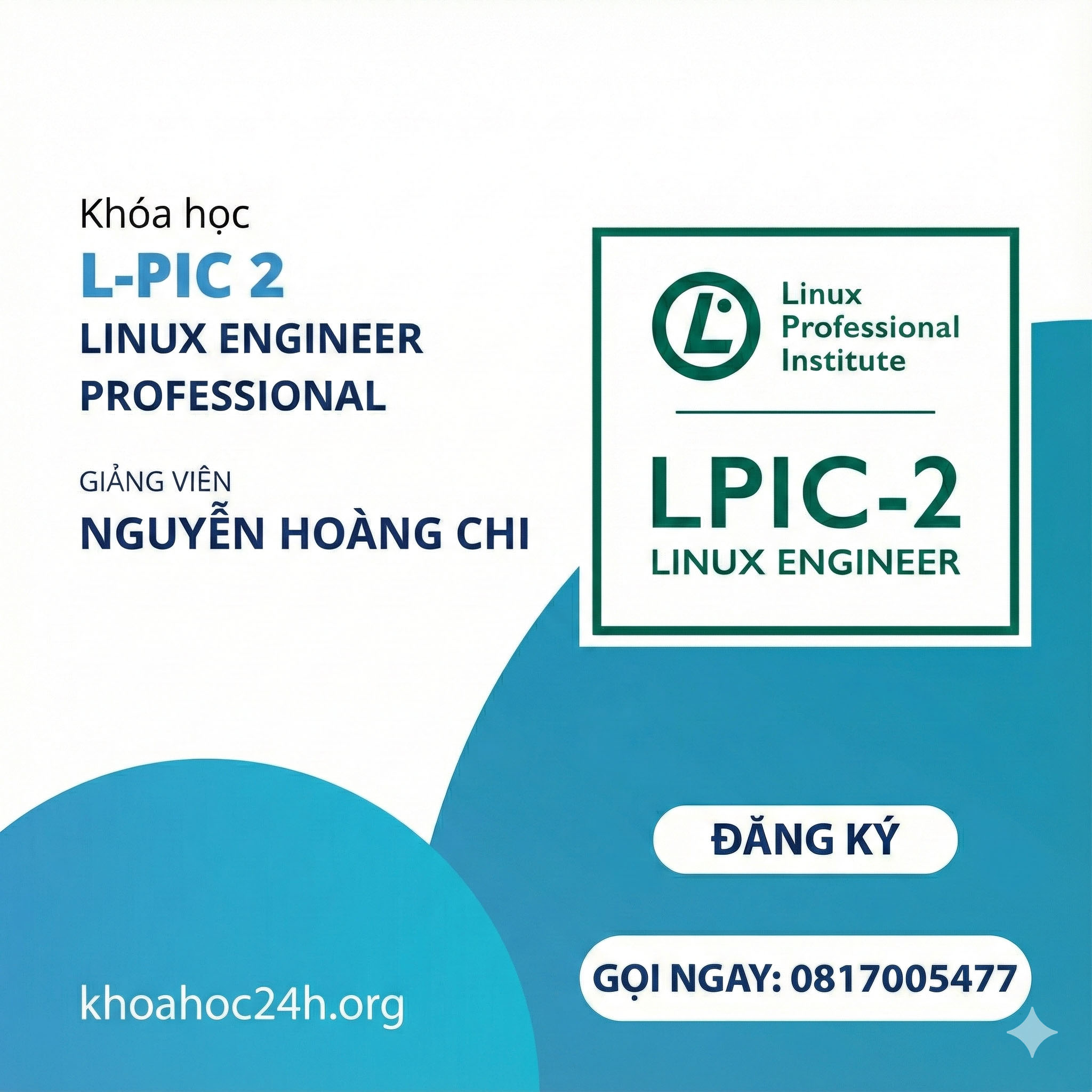
Khóa Học Linux Engineer Professional (LPIC-2) Cùng NGN Networking Academy
🎯 Giới thiệu Khóa Học Linux Engineer Professional (LPIC-2) Cùng NGN Networking Academy Khóa Học Linux Engineer Professional (LPIC-2) là chương trình đào tạo chuyên sâu, được thiết kế dành cho những ai muốn nắm vững kiến thức và kỹ …

🎯 Giới thiệu Khóa Học Linux Engineer Professional (LPIC-2) Cùng NGN Networking Academy
Khóa Học Linux Engineer Professional (LPIC-2) là chương trình đào tạo chuyên sâu, được thiết kế dành cho những ai muốn nắm vững kiến thức và kỹ năng quản trị hệ thống Linux. Đến với khóa học này, bạn sẽ được trang bị những kiến thức cần thiết để trở thành một kỹ sư Linux chuyên nghiệp, từ việc cài đặt hệ điều hành cho đến quản lý hệ thống mạng và bảo mật.
📚 Nội dung khóa học
1. EBOOKS
LPIC-2_LPIC_Study_Guide(2016)_2nd edition.pdf
2. SLIDES
Lesson 1 – Starting a System.pdf
Lesson 2 – Maintaining the System.pdf
Lesson 3 – Mastering the Kernel.pdf
Lesson 4 – Managing the Filesystem.pdf
Lesson 5 – Administering Advanced Storage devices.pdf
Lesson 6 – Navigating Network Services.pdf
Lesson 7 – Organizing Email services.pdf
Lesson 8 – Directing DNS.pdf
Lesson 9 – Offering Web Services.pdf
Lesson 10 – Sharing Files.pdf
Lesson 11 – Managing Network Clients.pdf
Intro.pdf
3. LABS
1. Lesson 1 – Starting a System.pdf
2. Lesson 2 – Maintaining the System – Install programs from source.pdf
3. Lesson 2 – Maintaining the System – Performing backup and notify users.pdf
4. Lesson 3 – Mastering the Kernel – Create config file.pdf
5. Lesson 3 – Mastering the Kernel – Compile the kernel and test.pdf
6. Lesson 3 – Mastering the Kernel – Kernel runtime information.pdf
7. Lesson 4 – Managing the Filesystem – Manually mount usb drive.pdf
8. Lesson 4 – Managing the Filesystem – Filesystem management.pdf
9. Lesson 4 – Managing the Filesystem – Filesystem management (cont).pdf
10. Lesson 4 – Managing the Filesystem – Maintaining Filesystem.pdf
11. Lesson 5 – Administering Advanced Storage devices – Configuring RAID.pdf
12. Lesson 5 – Administering Advanced Storage devices – Adjusting Storage devices.pdf
13. Lesson 5 – Administering Advanced Storage devices – LVM.pdf
14. Lesson 6 – Navigating Network Services – Configuring Network features.pdf
15. Lesson 6 – Navigating Network Services – Basic Network troubleshooting.pdf
16. Lesson 6 – Navigating Network Services – Advanced Network troubleshooting.pdf
17. Lesson 7 – Organizing Email services.pdf
18. Lesson 8 – Directing DNS – Install _ configuring DNS.pdf
19. Lesson 8 – Directing DNS – Manage _ Troubleshooting DNS.pdf
20. Lesson 9 – Offering Web Services – Basic Apache configuration.pdf
21. Lesson 9 – Offering Web Services – Advanced web server configuration.pdf
22. Lesson 10 – Sharing Files – Configuring Samba.pdf
23. Lesson 10 – Sharing Files – Configuring NFS and FTP.pdf
24. Lesson 11 – Managing Network Clients – Configuring DHCP and PAM.pdf
25. Lesson 11 – Managing Network Clients – Configuring OpenLDAP.pdf
26. Lesson 12 – Setting up System Security – Iptables.pdf
4. VIDEOS
Buổi 01 Introduction
Buổi 02 Secure Boot Loader
Buổi 03 Starting Applications
Buổi 04 Maintaining the System
Buổi 05 Make and Install Programs from Source
Buổi 06 Backup Media
Buổi 07 Working with Tape
Buổi 08 Mastering the Kernel
Buổi 09 LAB 01
Buổi 10 LAB 02
Buổi 11 Managing the File System
Buổi 12 LAB 03
Buổi 13 Swap Filesystems
Buổi 14 Maintaining a Linux System
Buổi 15 Administering Advanced Storage Devices
Buổi 16 Adjusting Storage Devices
Buổi 17 Managing Logical Volumes
Buổi 18 Navigating Network Services
Buổi 19 IP Utility
Buổi 20 LAB 04
Buổi 21 Organizing Email Services
Buổi 22 Using Email Services
Buổi 23 Email Delivery
Buổi 24 LAB 05
Buổi 25 LAB 06
Buổi 26 Managing Bind Zone
Buổi 27 Securing a DNS Server
Buổi 28 Offering Web Services P1
Buổi 29 Offering Web Services P2
Buổi 30 Offering Web Services P3
Buổi 31 Sharing Files
Buổi 32 Sharing Files Part 2
Buổi 33 Sharing Files Part 3
Buổi 34 Managing Network Clients Part 1
Buổi 35 Managing Network Clients Part 2
Buổi 36 Setting Up System Security
Buổi 37 Setting Up System Security Part 2
👨🎓 Khóa học này dành cho ai?
Những kỹ sư IT muốn mở rộng kiến thức và kỹ năng trong quản trị hệ thống Linux.
Những người mới bắt đầu và mong muốn theo đuổi sự nghiệp trong lĩnh vực công nghệ thông tin.
Nhân viên kỹ thuật cần cải thiện khả năng quản lý hệ thống và bảo mật thông tin.
💡 Kết quả sau khóa học
- Thành thạo trong việc cài đặt, cấu hình và quản lý hệ thống Linux.
- Có khả năng xử lý các sự cố và tối ưu hóa hiệu suất hệ thống.
- Hiểu rõ về bảo mật hệ thống và cách bảo vệ thông tin hiệu quả.
Khóa Học Linux Engineer Professional (LPIC) không chỉ giúp bạn nắm vững kiến thức, mà còn trang bị cho bạn những kỹ năng thực tiễn cần thiết để thành công trong lĩnh vực quản trị hệ thống. Đăng ký ngay hôm nay tại khoahoc24h.org để bắt đầu hành trình chinh phục kiến thức và nâng cao sự nghiệp của bạn!
Khóa học có thể bạn quan tâm


Khóa học Khâm Lê – Xây hệ thống kênh Youtube thực chiến 2026
🎯 Giới thiệu Khóa học Khâm Lê – Xây hệ thống kênh youtube thực chiến 2026 Khóa học Khâm Lê – Xây hệ thống...

Khóa học thực chiến NDGroup: Huấn Luyện Master Prompt, Chatbot, Website Tạo Thu Nhập Thu Động
🎯 Giới thiệu Khóa Học Huấn Luyện Master Prompt, Chatbot, Website Khóa Học Huấn Luyện Master Prompt, Chatbot, Website là chương trình đào tạo...

Khóa Học Kỹ Thuật Nhiếp Ảnh: Ánh Sáng Và Hiệu Ứng
🎯 Giới thiệu Khóa Học Kỹ Thuật Nhiếp Ảnh: Ánh Sáng Và Hiệu Ứng Khóa Học Kỹ Thuật Nhiếp Ảnh: Ánh Sáng Và Hiệu...

Chương Trình Money Master Mind Cùng Nguyễn Tùng Sơn (Sơn Piaz)
🎯 Giới thiệu Khóa Học Chương Trình Money Master Mind Cùng Nguyễn Tùng Sơn (Sơn Piaz) Khóa Học Chương Trình Money Master Mind Cùng...

Khóa Học Kiếm Tiền YouTube Bằng Tạo Bài Hát Với Suno AI Cùng Coach Tuệ Minh
🎯 Giới thiệu Khóa Học Kiếm Tiền YouTube Bằng Tạo Bài Hát Với Suno AI Cùng Coach Tuệ Minh Khóa Học Kiếm Tiền YouTube...
Khóa Học Lập Trình Fullstack Web 2025 cùng 28Tech
🎯 Giới thiệu Khóa Học Lập Trình Fullstack Web 2025 cùng 28Tech Khóa Học Lập Trình Fullstack Web 2025 là chương trình đào tạo...
Khóa Học Lập Trình Nhúng IoT DevLinux 2025 (C/C++ Full Lộ Trình)
🎯 Giới thiệu Khóa Học Lập Trình Nhúng IoT DevLinux 2025 (C/C++ Full Lộ Trình) Khóa Học Lập Trình Nhúng IoT DevLinux 2025 là...

Khóa Học Xây Dựng Workflow AI 2026 Phan Đức Nho
🎯 Giới thiệu Khóa Học Xây Dựng Workflow AI 2026 Phan Đức Nho Khóa Học Xây Dựng Workflow AI 2026 là chương trình đào...
Khóa học lập trình Back-end NodeJS 2025 Cùng 28Tech
🎯 Giới thiệu Khóa học lập trình Back-end NodeJS 2025 Cùng 28Tech Khóa Học end NodeJS 2025 là chương trình đào tạo chuyên sâu...

Khóa Học Master Class Excel: Nền tảng vững vàng cho người bắt đầu
🎯 Giới thiệu Khóa Học Master Class Excel: Nền Tảng Vững Vàng Cho Người Bắt Đầu Excel là một trong những công cụ phổ...

Khóa Học Guitar Đệm Hát Nâng Cao Cùng Haketu
🎸 Giới thiệu Khóa Học Guitar Đệm Hát Nâng Cao Cùng Haketu Khóa Học Guitar Đệm Hát Nâng Cao Haketu là chương trình đào tạo...

Khóa Học AVM – AI VIDEO MAKER Cùng Hiếu AI
🎯 Giới thiệu Khóa Học AVM – AI VIDEO MAKER Cùng Hiếu AI Khóa Học AVM – AI VIDEO MAKER là khóa học độc...
Tính năng của khóa học
- Bài giảng 0
- Bài kiểm tra 0
- Thời gian Truy cập trọn đời
- Trình độ kỹ năng All levels
- Ngôn ngữ Tiếng Việt
- Học sinh 1537
- Đánh giá Đúng